


Every time Google pushes a core update, the same thing happens: rankings jump around, data looks incomplete, and teams feel pressure to react. Publishers, content leads and SEO managers all deal with it. But the actual work in those first days isn't reacting—it's reading the movement correctly before making any calls.
During a Google core update, positions shift across queries, sections and devices before the rollout is even done. A drop on Tuesday doesn't always mean the same thing by Friday.
Google has said that core updates are broad changes to its ranking systems. They don't target a specific page or site. The company's own advice is to wait until the rollout finishes, then compare periods properly before deciding there's a real problem.
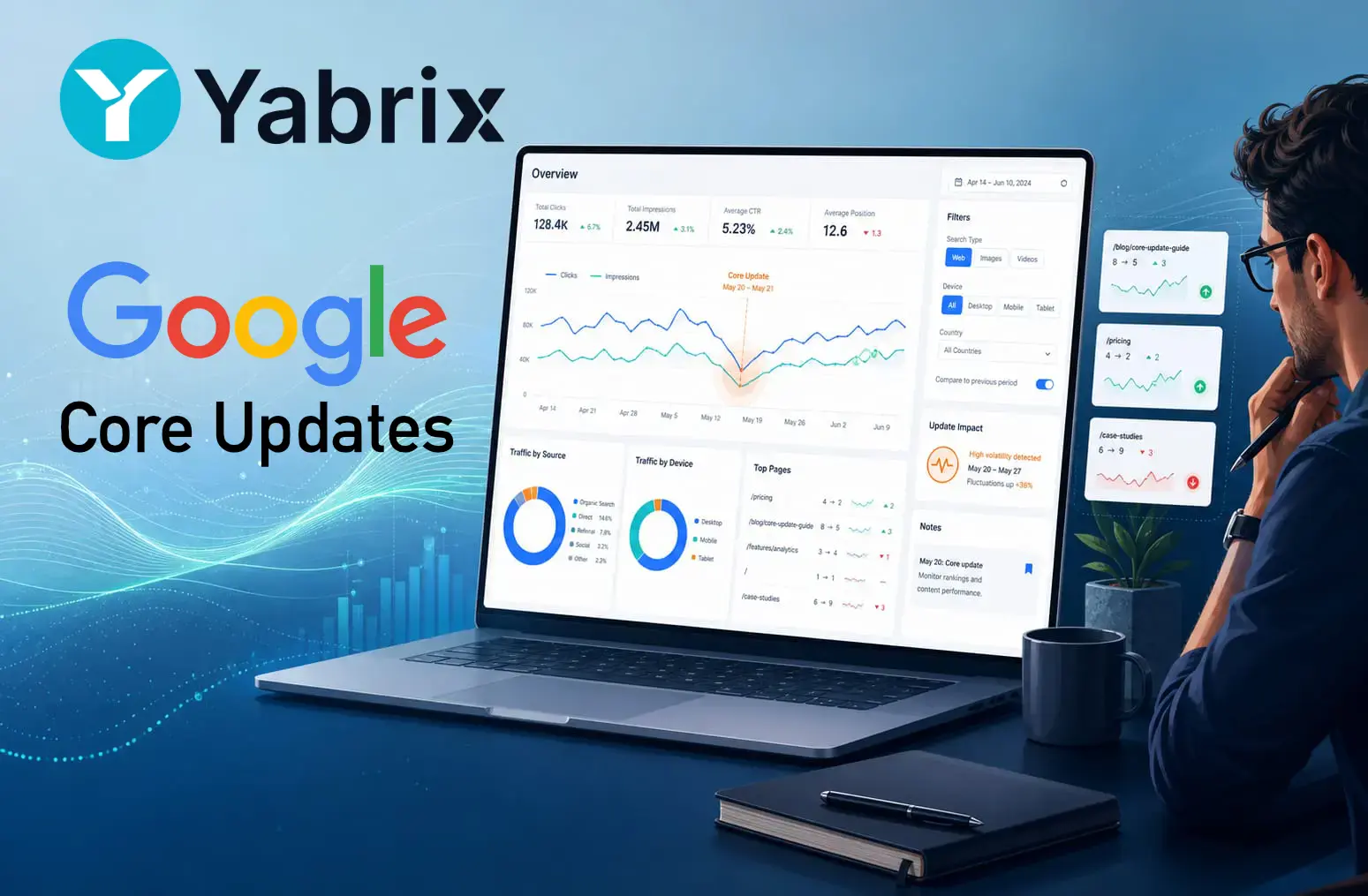
This is where clean analytics matter. When a site enters a pressure window, most teams don't need more dashboards. They need a faster way to see which traffic is moving, which pages are losing ground and whether the shift is localised or widespread.
What actually changes with a core update
A core update isn't a manual penalty. It's not a signal that a site has done something wrong. It's a broad recalibration of how Google ranks content across the web.
That distinction matters because many teams still react to these updates as though they're dealing with a technical fault. They rush to rewrite headlines, rearrange internal links or tweak pages that were performing well days earlier. More often than not, that just adds noise.
The first job during a core update is simpler than most people think: read the movement properly.
You want to know:
- Whether the drop hits the whole site or just one section
- Whether the loss comes from a handful of URLs or hundreds
- Whether branded and non-branded search are behaving differently
- Whether Discover, Search, homepage traffic and evergreen content are each moving in their own direction
Without that breakdown, it's easy to treat a local fluctuation as a site-wide crisis.
Why analytics quality matters so much during these weeks
Core updates are a bad time for vague reporting. If your analytics setup is slow, bloated or hard to segment, you end up spending the most sensitive hours trying to read the dashboard rather than reading the traffic.
What teams typically need in these moments:
- Real-time visibility so sudden shifts show up the moment they happen
- Page-level data to see which articles, categories or site sections are moving
- Simple segmentation by source, device or area of the site
- Better reading of Discover-related signals, particularly for editorial teams that rely heavily on Google surfaces
That's the kind of workflow where Yabrix Analytics fits well.
How Yabrix Analytics helps during a Google core update
Yabrix Analytics is useful during core update periods because it shortens the gap between a traffic change and a clear reading of what's happening.
Rather than jumping between heavy reports, a team can quickly check whether:
- The drop started at the same time across several sections
- A specific cluster of URLs is dragging down the site's overall numbers
- Mobile and desktop are moving in the same direction or diverging
- Discover traffic is following the same pattern as organic search, or behaving independently
That kind of granularity matters. During a two-week rollout, the difference between a measured response and a panicked one often comes down to how quickly you can isolate what's actually shifting.
Yabrix Analytics doesn't tell you why Google changed its rankings. Nobody outside Google can do that reliably. What it does is give your team a faster, cleaner view of the data — so when the rollout finishes and it's time to act, you're working from evidence rather than guesswork.
If a core update is in progress and your traffic has moved, the smartest thing you can do is watch, segment and wait for the dust to settle before touching anything.
See what your traffic is actually doing with Yabrix Analytics